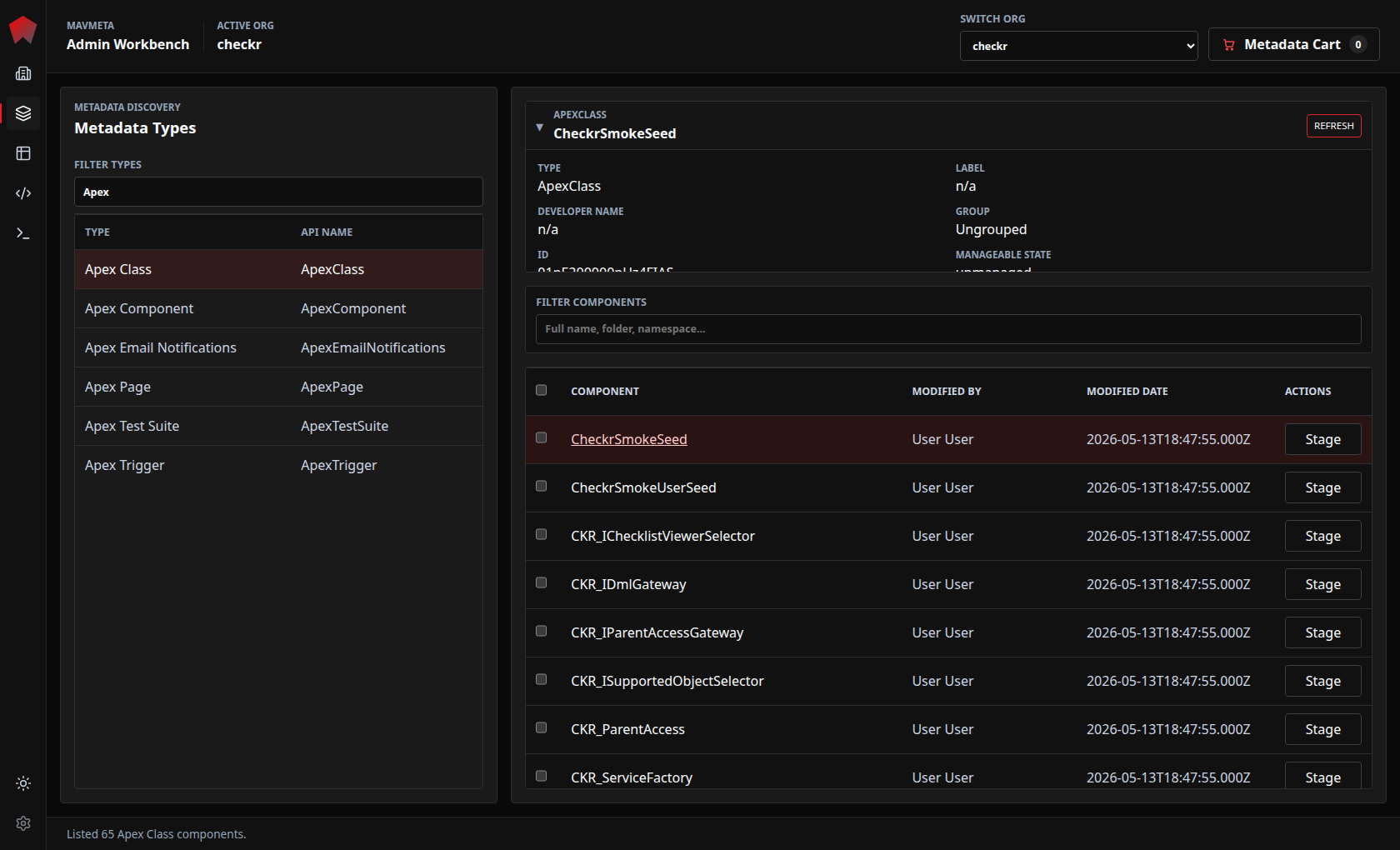
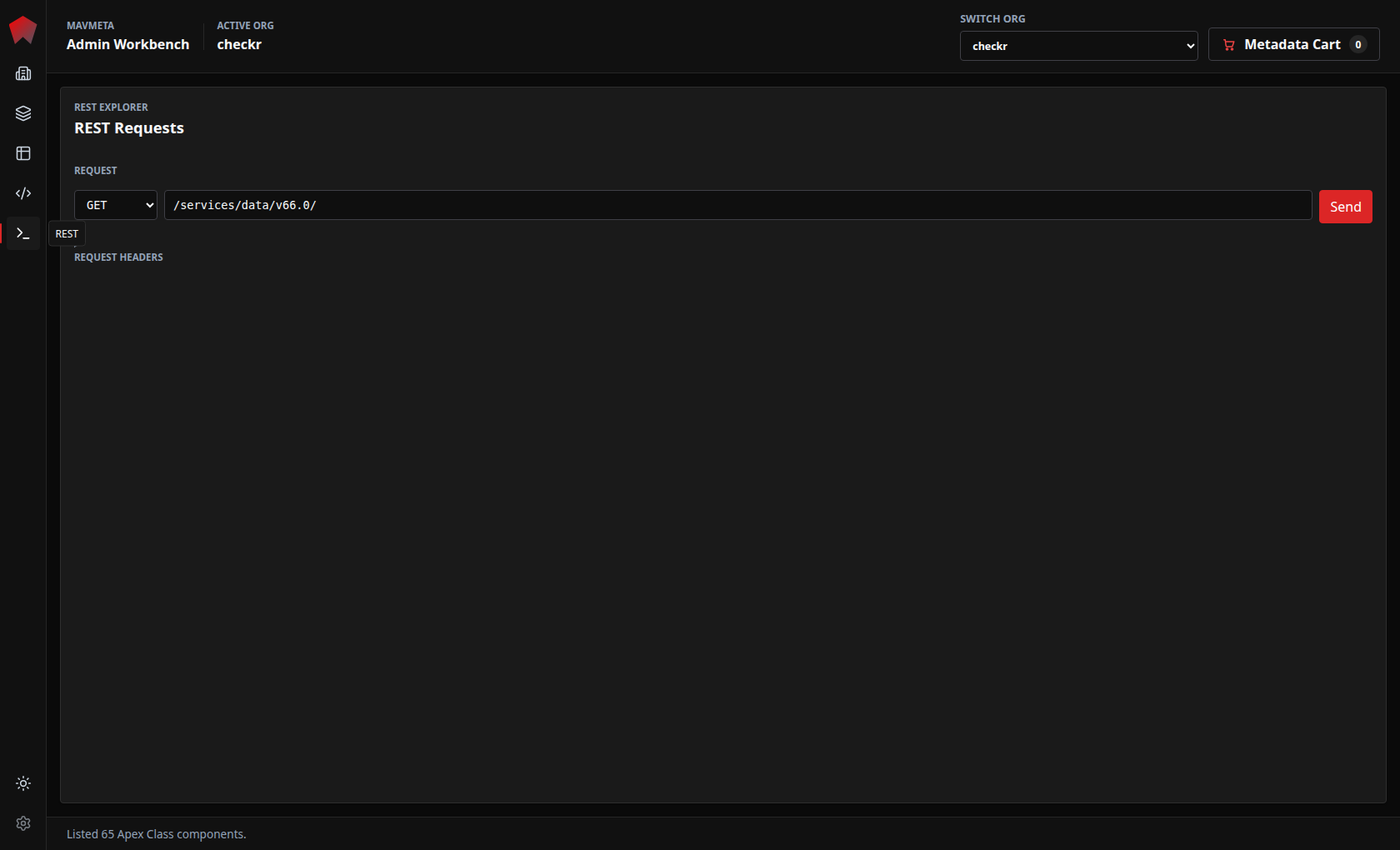
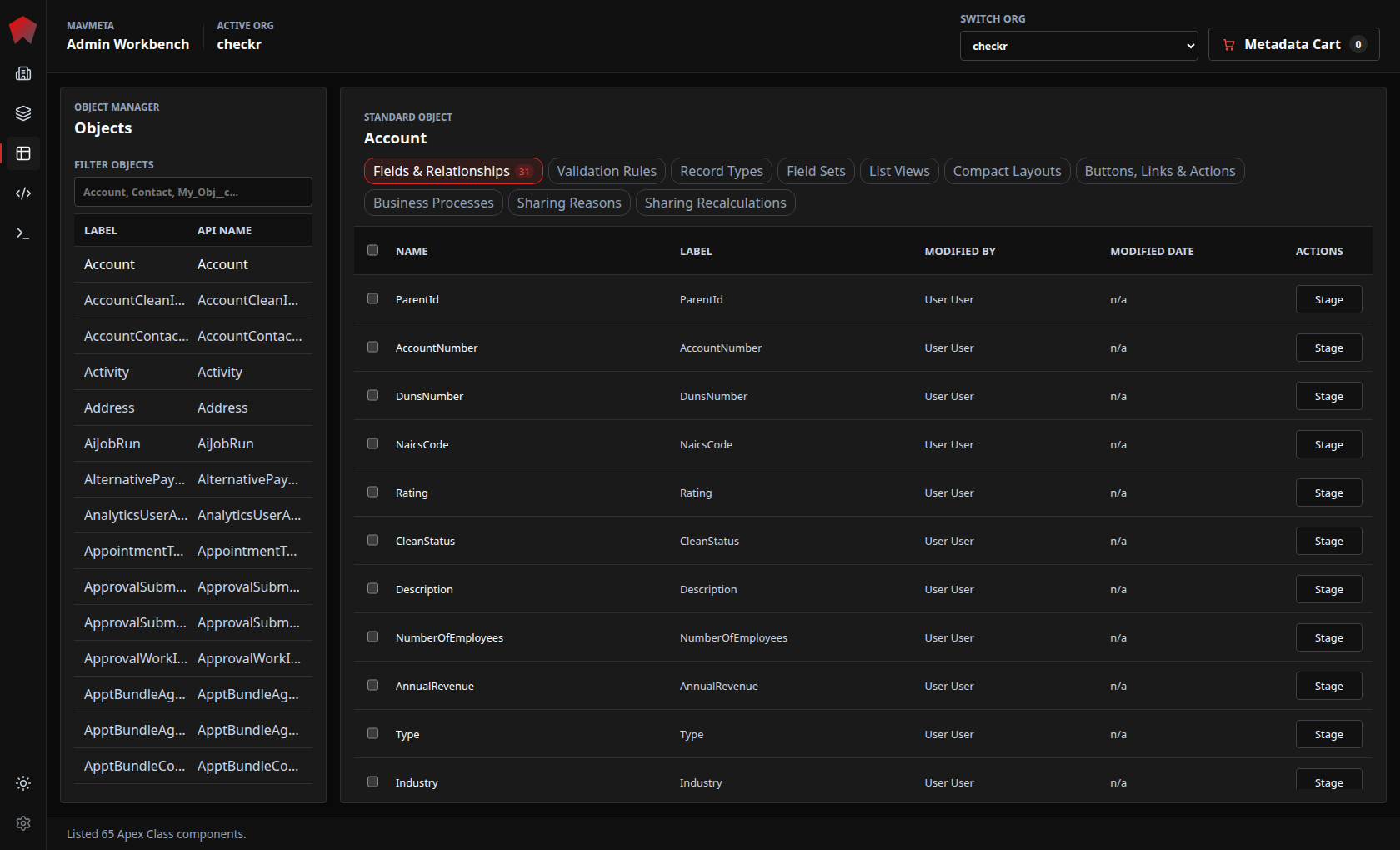
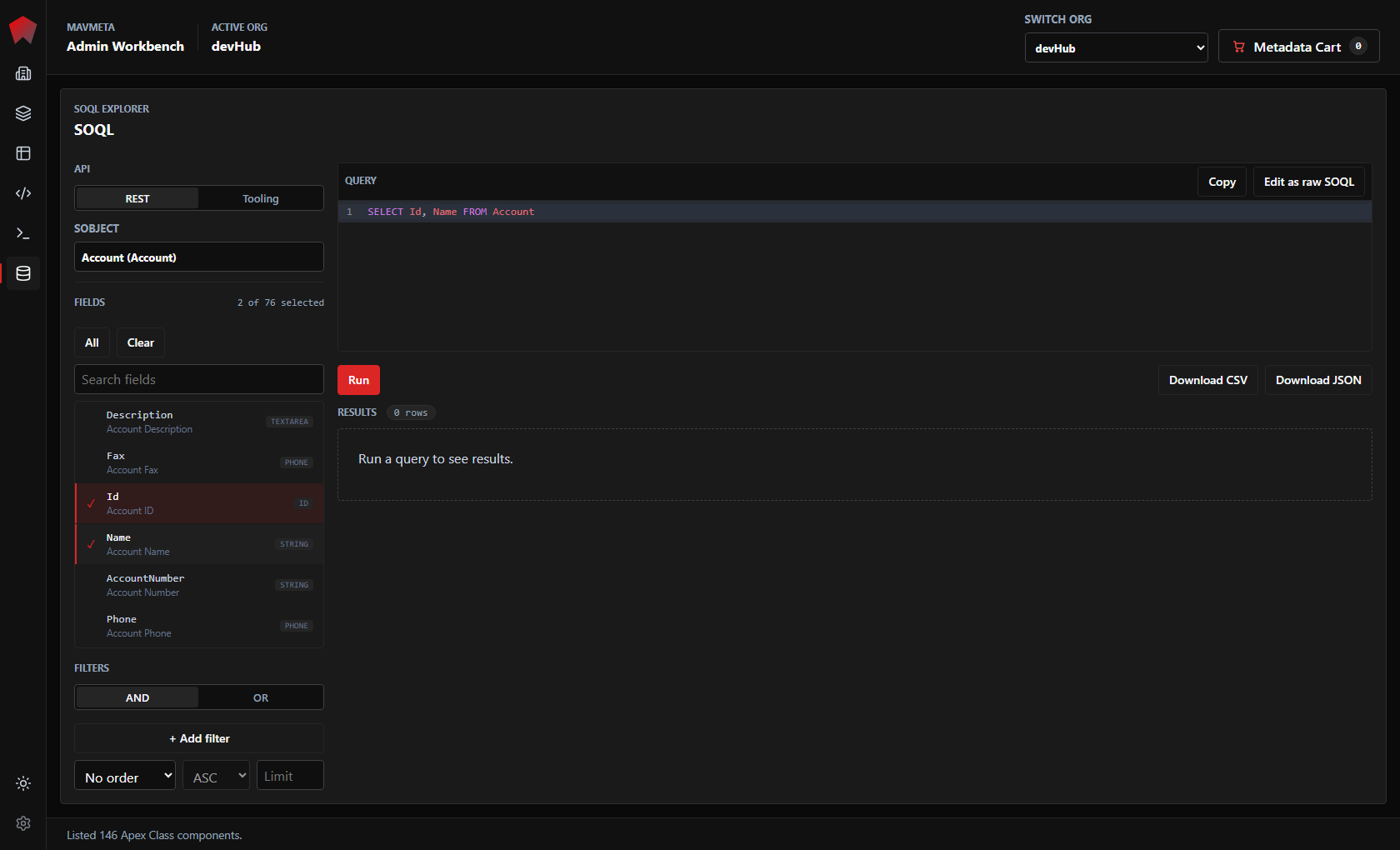
Explore, stage, diff, deploy, delete all kinds of metadata. Make Salesforce REST calls, build SOQL queries, edit LWCs, and explore metadata all from one fast, local interface.
One local interface for the admin and developer-adjacent tasks that used to scatter across tools.
REST API exploration in a modern local interface. Make Salesforce API calls to your authorized orgs.
Browse org metadata and object structure — fields, relationships, validation rules, record types — without building manifests first.
Pick an object, select fields, add filters, then run the generated SOQL against REST or Tooling API without leaving your active org context.
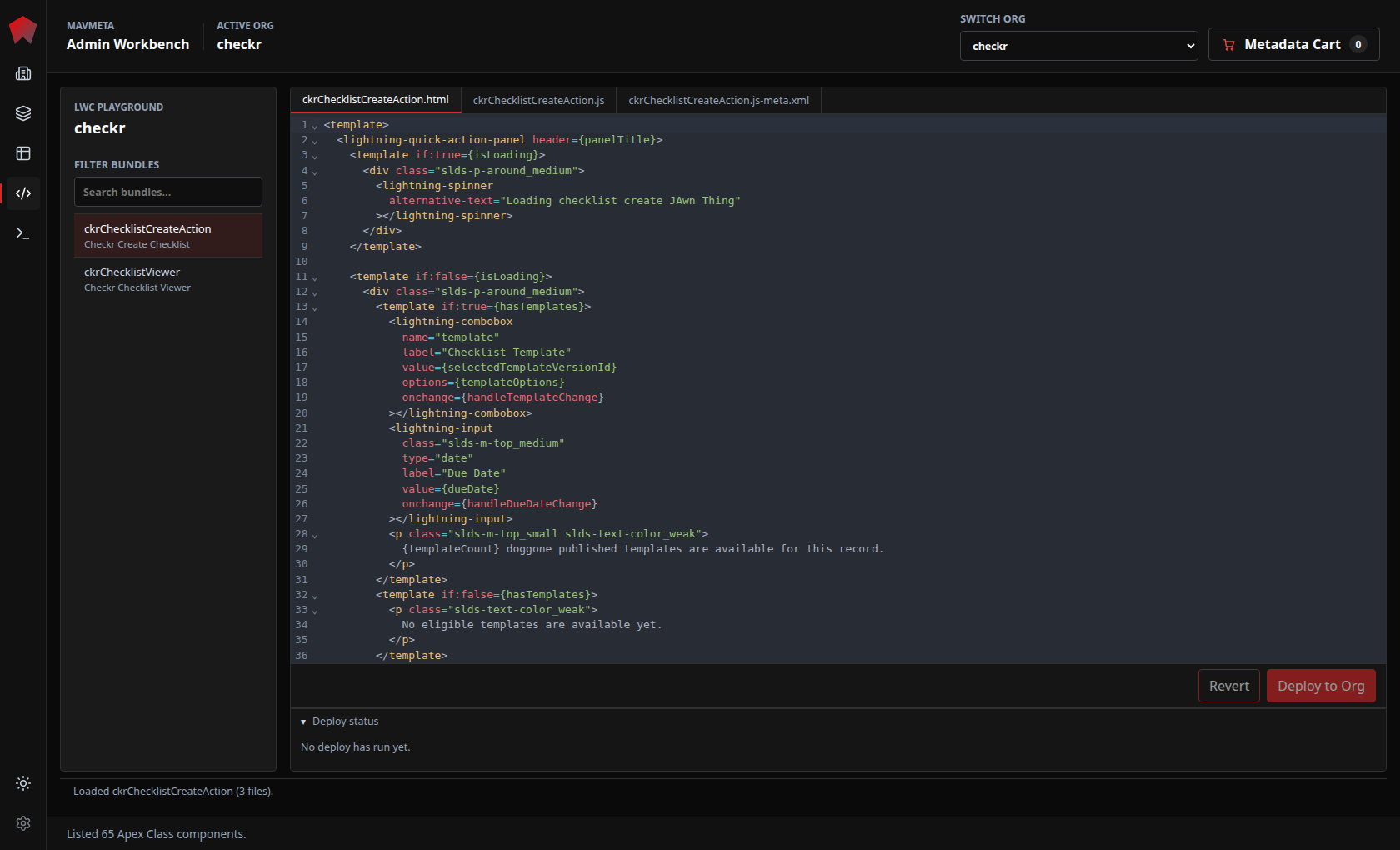
Make focused Lightning Web Component edits and save quickly through the Tooling API — a fast path for targeted changes without a full development environment.
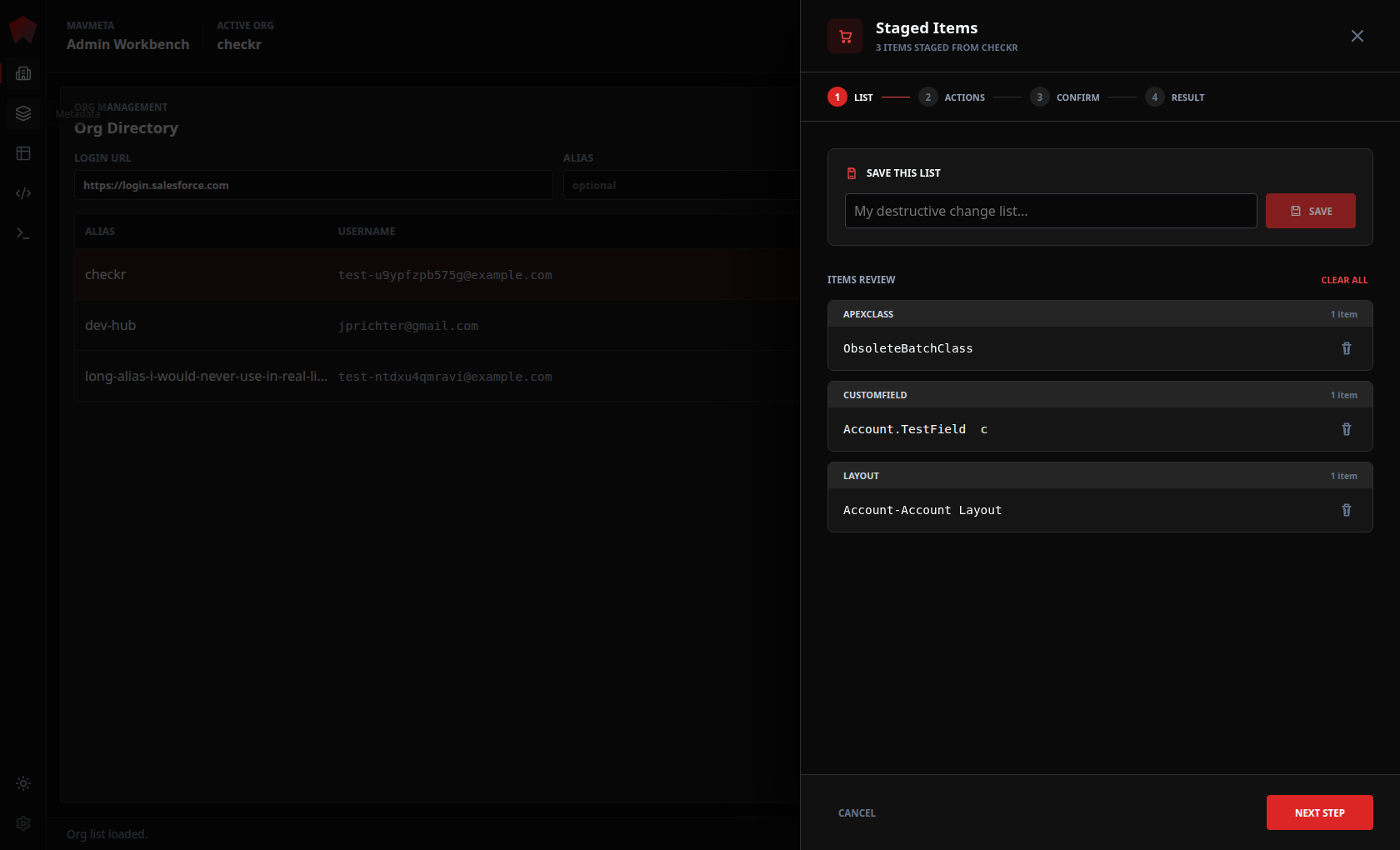
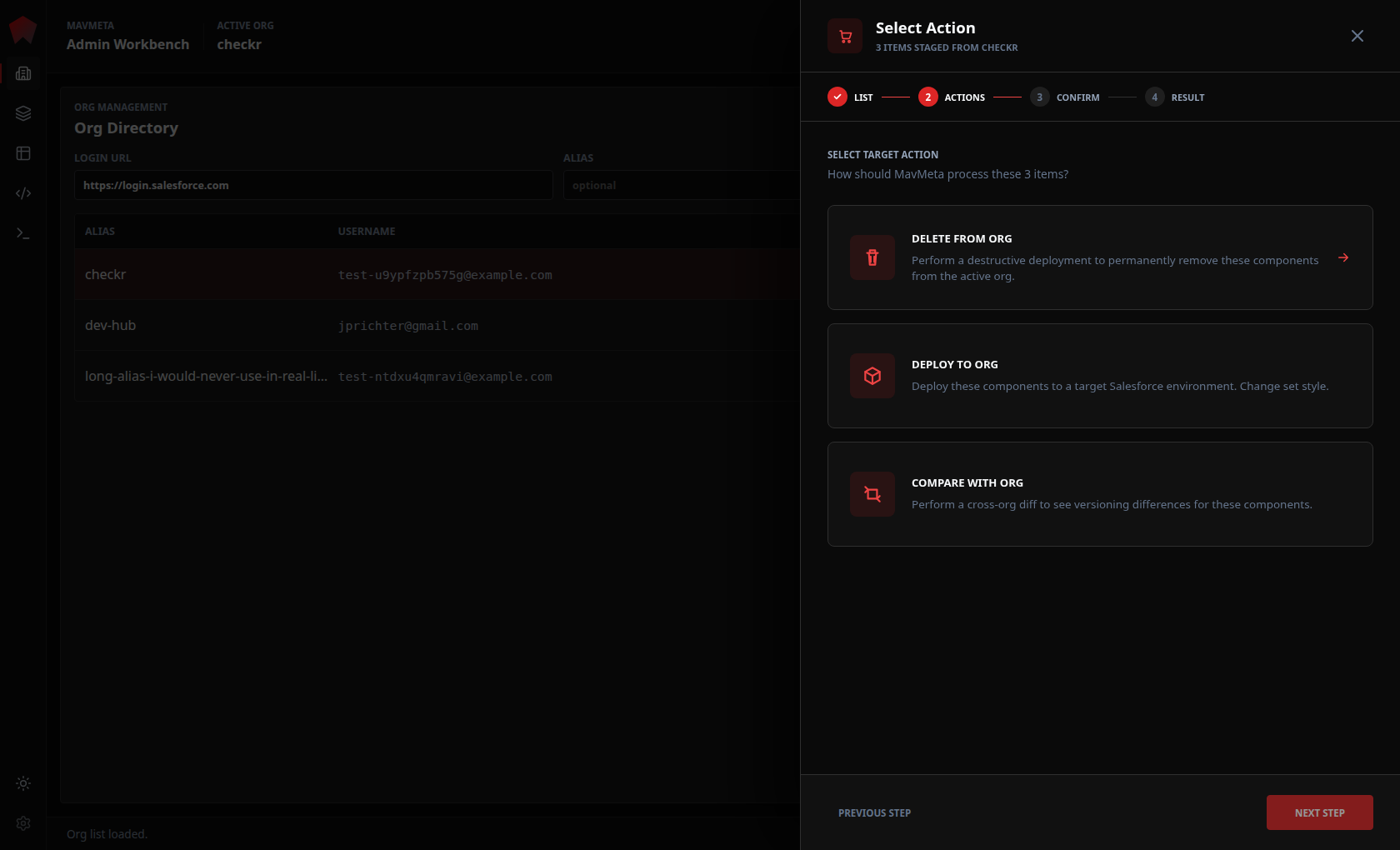
Stage components, choose the action, then confirm the target and mode before risky work runs. Technically easy, deliberately confirmed.
SOQL Explorer turns object metadata into a practical query surface: choose REST or Tooling API, select the object, search and check fields, add filters, ordering, and limits, then run or copy the generated SOQL.
Search the object field list, include only what you need, and keep the raw query visible as you build.
Run the query, review the response, then download CSV or JSON when the result set needs to move.
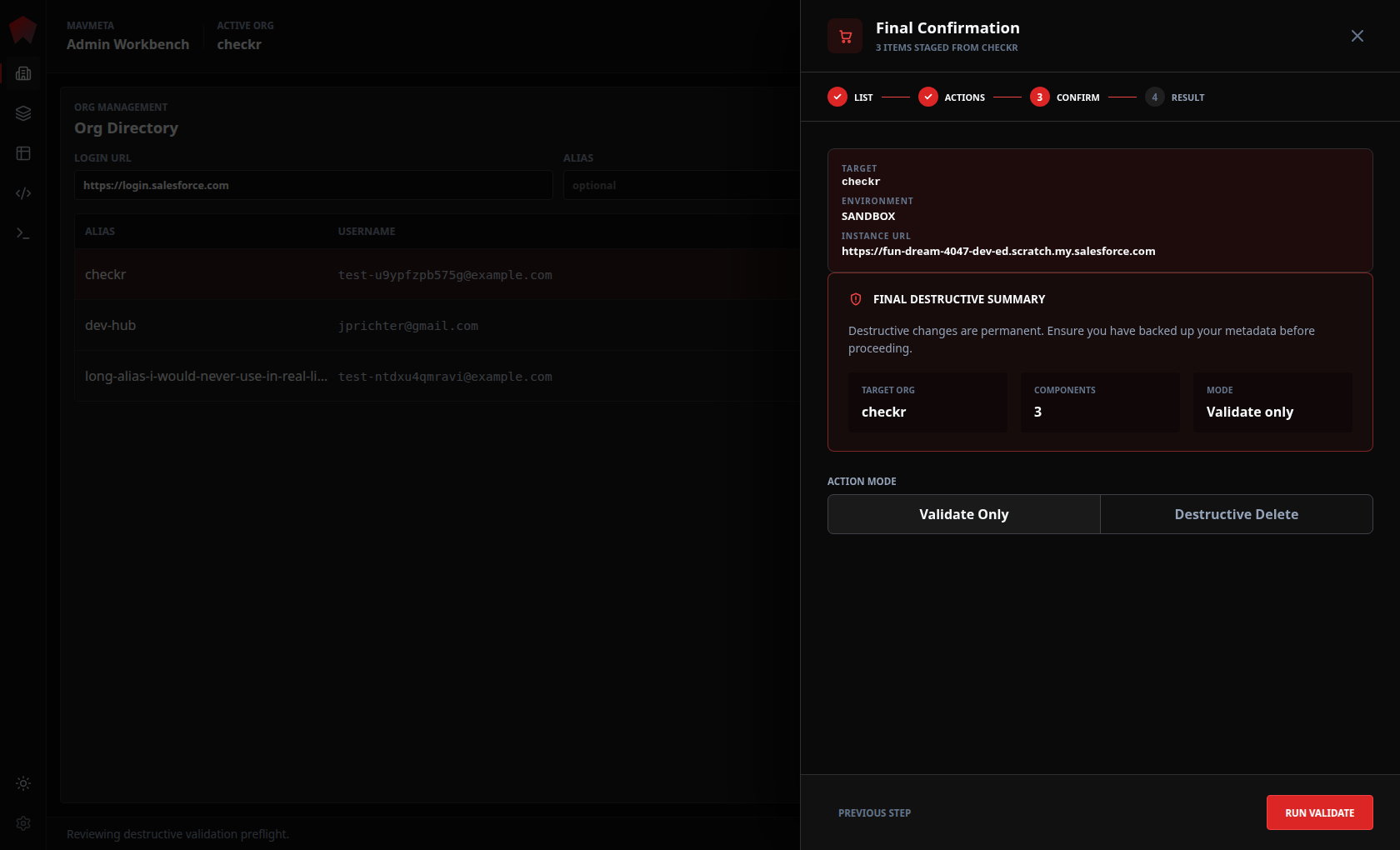
MavMeta removes the package-file and command-line interface, then adds deliberate review and typed confirmation for Production changes at the moment it matters: what is staged, which action will run, which org is targeted, and whether the operation is validate-only or full deploy.
Collect the exact components before choosing an action.
Pick delete, deploy, or compare as an explicit decision.
Review org, environment, component count, and validate/delete mode before execution.
Metadata inspection belongs outside Setup click paths.
Salesforce REST callouts, with history.
Small LWC edits without needing an IDE.
Query building starts from live object structure.
Deploys start with discovery. No wrangling package.xml files.
Sensitive changes need deliberate confirmation.
Setup
Cross-cutting metadata inspection is slow.
Workbench
REST exploration still matters, but the classic tool feels dated.
VS Code
Small LWC edits should not require a full editor workflow.
SOQL
Query building should start from live object structure.
Metadata
Cleanup starts with discovery, not a package file.
Deploy
Sensitive changes need deliberate confirmation.
MavMeta runs on your machine and talks directly to Salesforce. No cloud intermediary, no credential handoff to a third party.
Runs on your machine rather than as a hosted SaaS app. No data leaves your machine except to the targeted, pre-authorized Salesforce environment directly.
Authenticates via Salesforce OAuth. Credentials are handled by Salesforce, not stored by MavMeta.
The current target org stays visible throughout the app so you always know what environment you are working in.
Destructive and production-targeted operations require an explicit review step before they run.
No usage tracking, no crash reporting to external services.
MIT Licensed. Inspect the code on GitHub and verify the claims yourself.
MavMeta is for Salesforce Professionals who want more and better than what Salesforce Setup or Developer Console offers, a more modern UI than Workbench, and faster metadata exploration than VS Code Extensions.
Salesforce Setup doesn't include features like REST callouts, exporting SOQL query results, or LWC editing. MavMeta fills in those gaps and more.
Yes. SOQL Explorer lets you choose REST or Tooling API, pick an object, select fields, add filters, run the generated query, copy raw SOQL, and export results as CSV or JSON.
Yes. MavMeta includes a Tooling API-based LWC editor for targeted inspections and edits without opening your IDE.
MavMeta makes destructive deploys technically straightforward — no package.xml files to hand-build, no CLI commands to compose. You stage what you want to delete in the metadata cart, review, and type in your confirmation. MavMeta doesn't hide functionality from you. We just want you to be sure.
No. Authentication happens through Salesforce OAuth, similar to the Salesforce CLI. MavMeta does not store passwords or access tokens.
No. MavMeta is an independent open-source project. It is not affiliated with, endorsed by, or supported by Salesforce, Inc.
Open source. Runs locally. Built for admins, useful for the whole delivery team.